Compare Images
Side-by-side and diff overlay comparison modes. See the before, the after, and the exact pixels that changed.
Stop guessing what changed. DeltaVision gives you instant, pixel-perfect visual diffs directly from your git staging area. Built for Flutter developers.
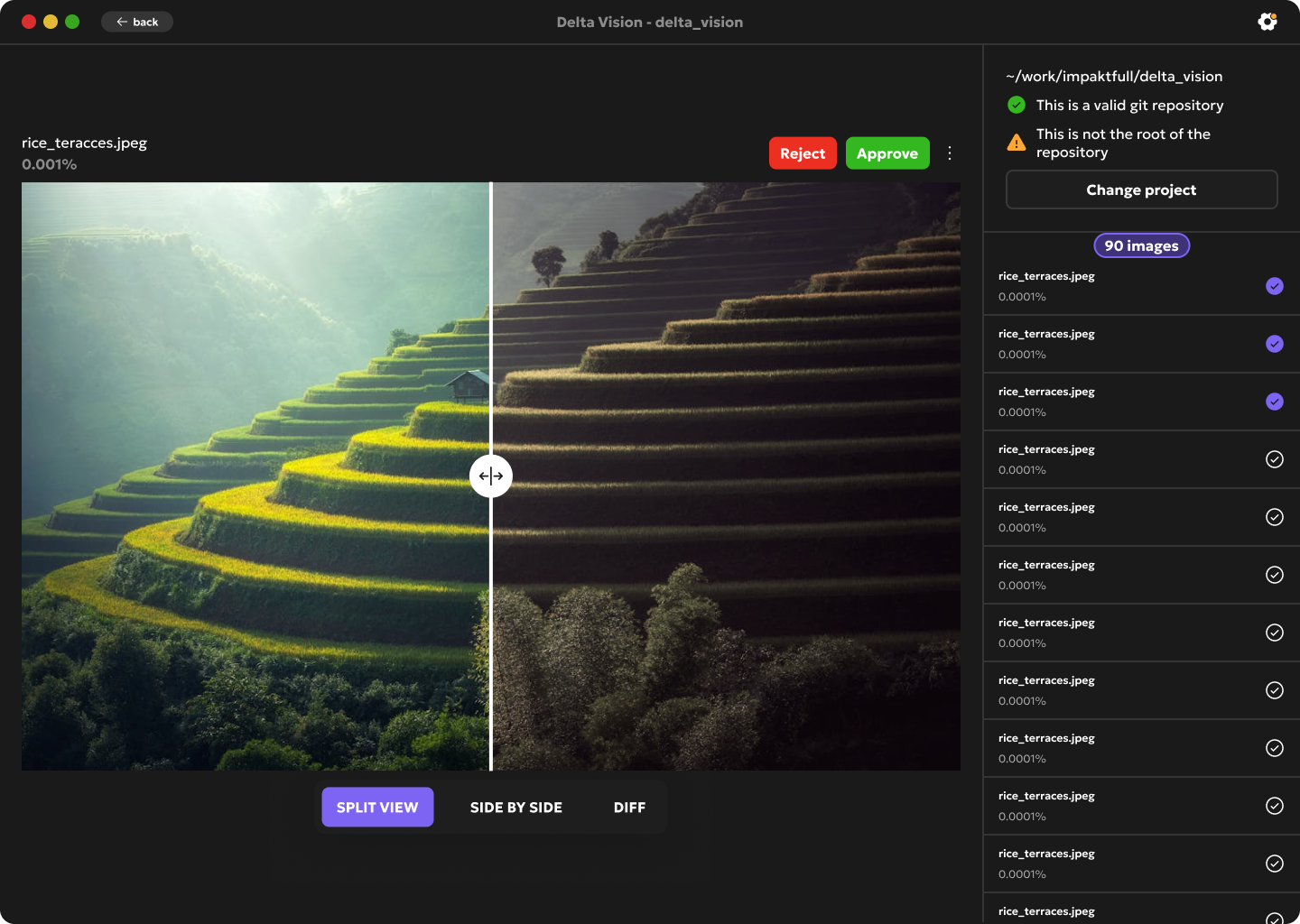
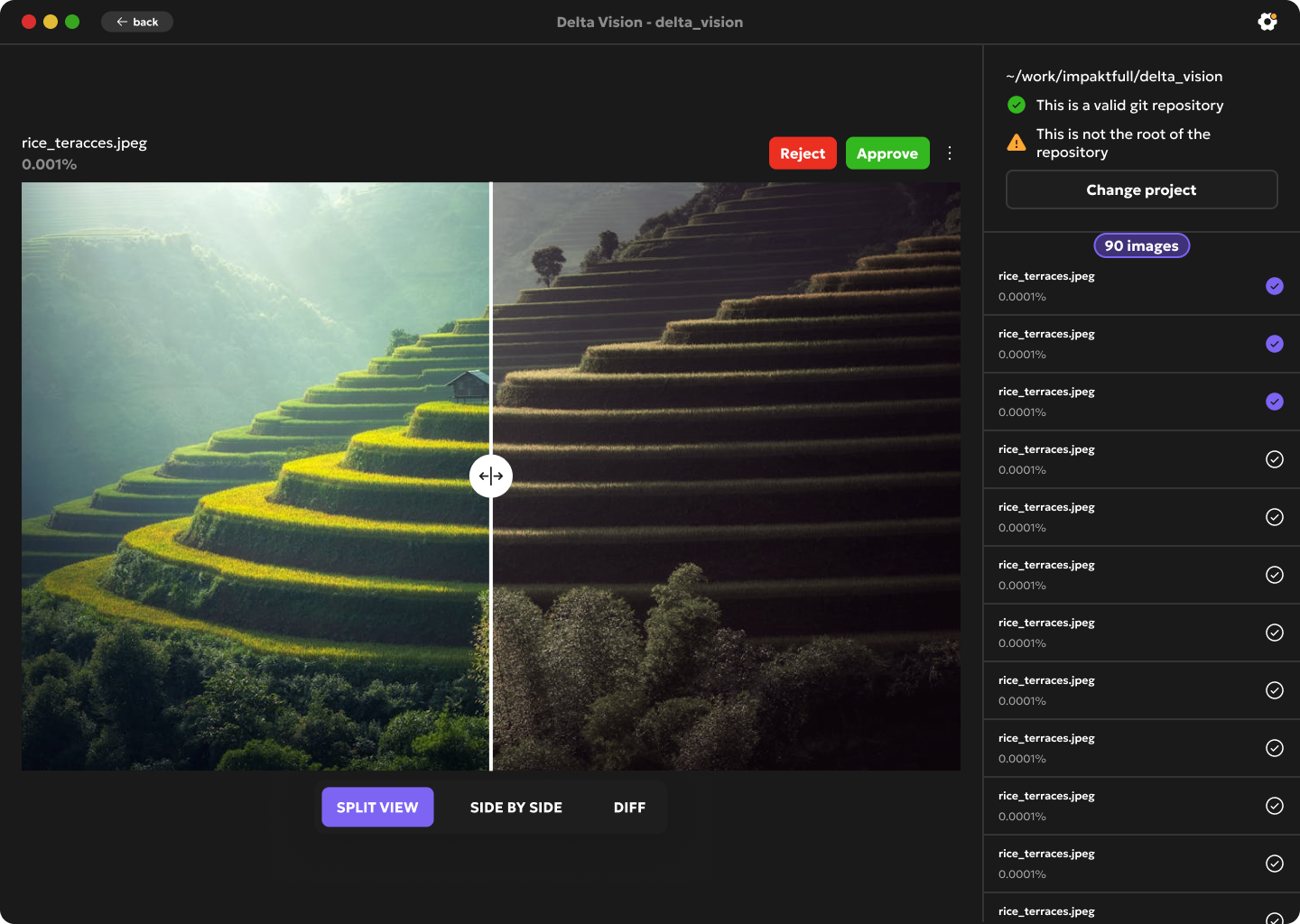
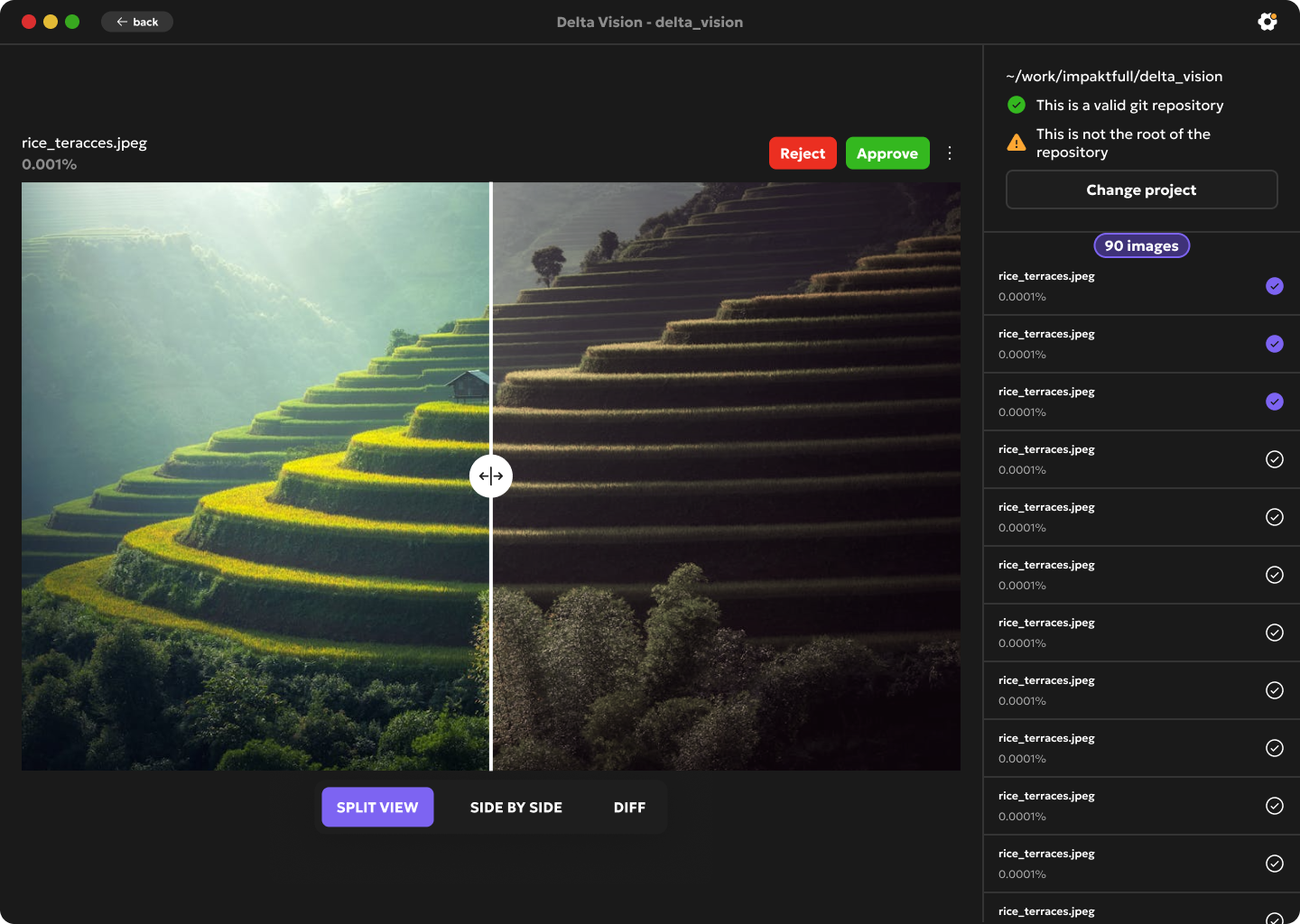
DeltaVision hooks directly into your git staging area. Stage your flutter golden test changes and instantly see every modified image with full pixel-level diff visualization.
Everything you need to review image changes without leaving your Git workflow.
Side-by-side and diff overlay comparison modes. See the before, the after, and the exact pixels that changed.
Automatically scans your staging area. Works with any git repository, no configuration needed.
Supports PNG, JPG, JPEG, GIF, WebP, and SVG. Every image format your Flutter project might produce.
Fully offline desktop app. No cloud, no subscriptions, no data leaving your machine.
Toggle between before/after with a single keypress. Review dozens of image changes in seconds.
Add any number of git repositories and switch between them instantly. Your projects, always at hand.
A fast, distraction-free interface built around the keyboard. Jump between images, toggle views, and track the diff percentage without ever touching the mouse.
Add any number of git repositories and switch between them in one click. DeltaVision remembers your projects so you can jump right back into your review workflow.
Available soon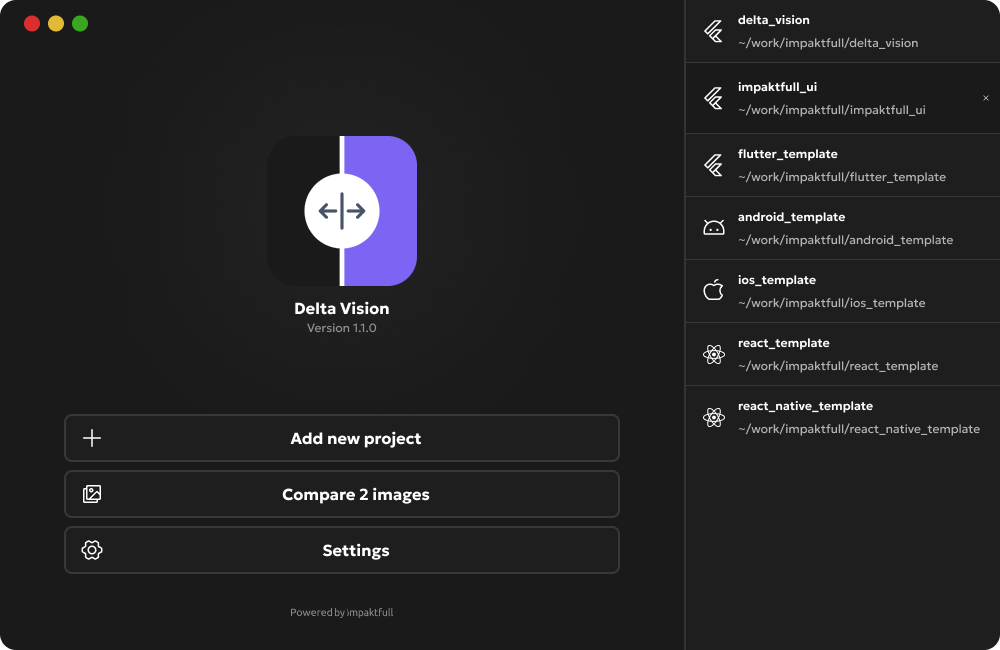
Free during alpha testing. All features included, no strings attached.
All features unlocked during alpha testing.
The app is currently in alpha testing. Public download links are coming soon.
From setup to scaling! here's what most developers ask us.
When using the Free version you can just drag and drop images to compare them.
In the full version you can select a git repository which loads all the changed images and compare them to your HEAD commit.
Join the alpha and be the first to try DeltaVision. Free, no sign-up required.